
In short: A portal prototype built before scoping lets you see your screens and journeys within days of an initial conversation. You can check we understood your requirements and reorder priorities against something visible, before committing budget.
Choosing a portal partner is a decision made largely on trust. You discuss what you want your portal to achieve, read proposals and look at their previous work before making your choice. At that point you still haven’t seen what your portal will look like.
That picture typically arrives later once the specification is nailed down. But what you see might differ from what you had in mind because that gap stays hidden until your partner is far enough along to present something.
So, you risk selecting a supplier and agreeing a scope on a shared understanding that isn’t tested until your portal interface first appears, weeks into the project.
Why we build a prototype first
Once we know your portal goals, who will use it and what processes it will handle, we’ll build and present a working prototype.
That could be a partner hub, where a relationship manager picks up a referred deal, reviews their commission, accesses marketing material and registers new business against a channel conflict check.
Or a support portal where a customer sees their registered products, searches the knowledge base, can raise support tickets and adds colleagues to their account.
While the examples vary, you’ll see a personalised portal interface and an indication of the supporting data structure, showing how this would work with Microsoft Dataverse and your Dynamics 365 instance.
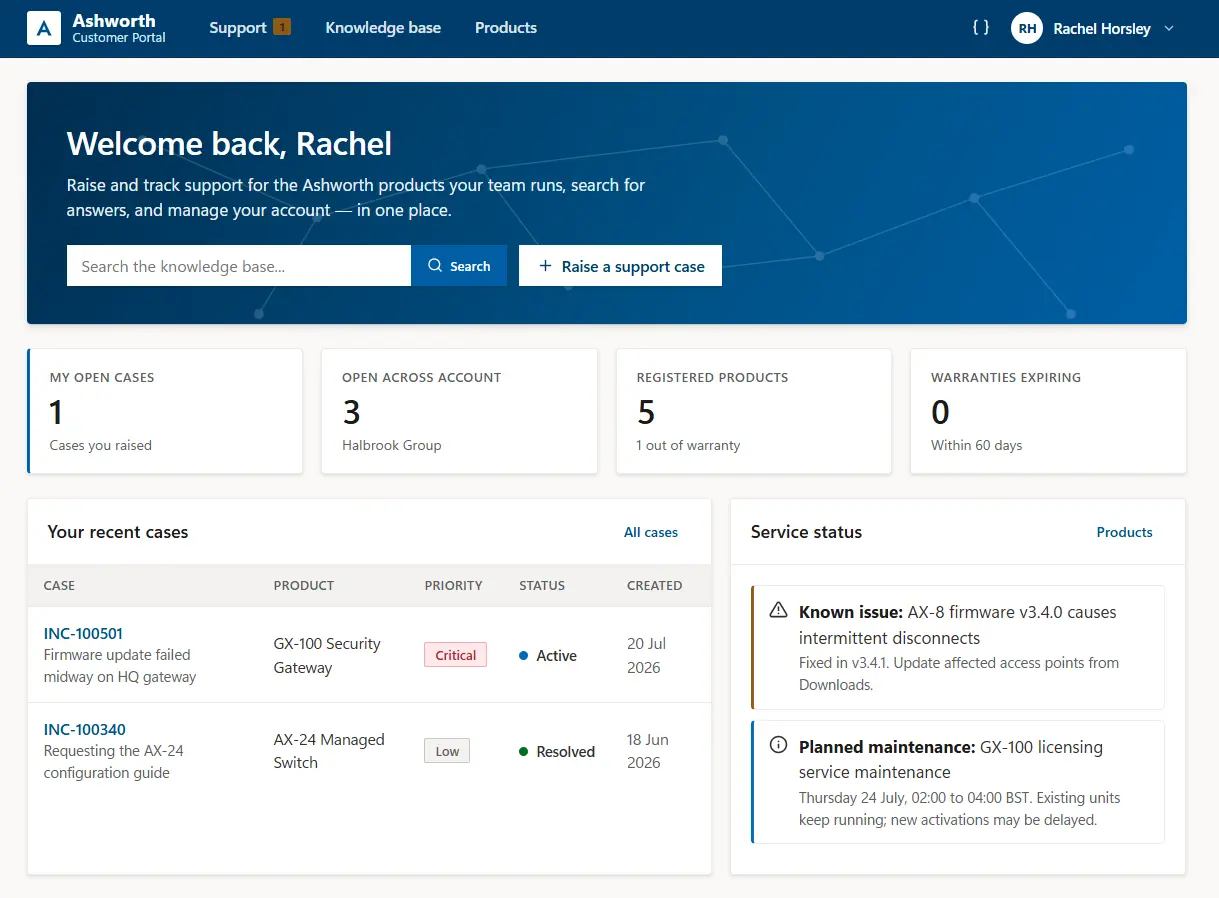
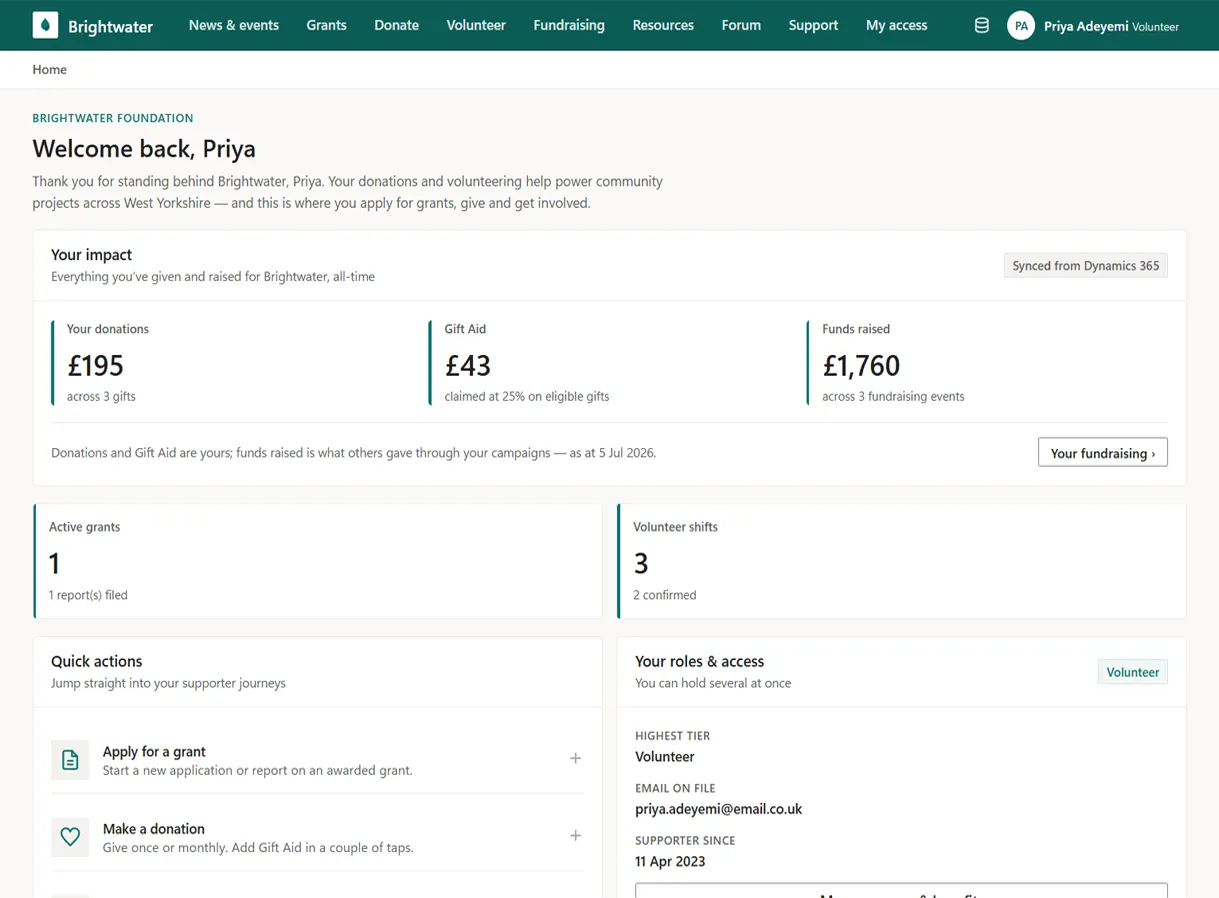
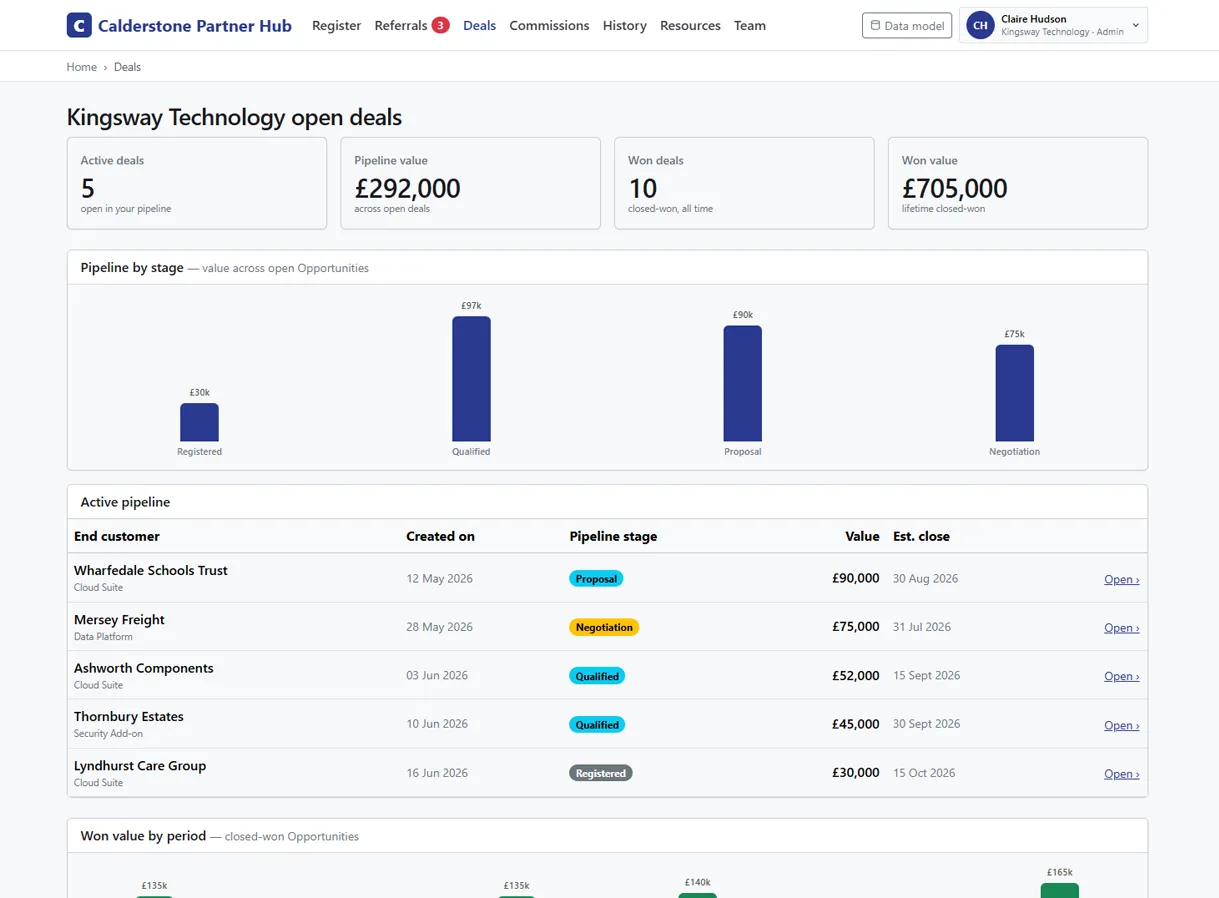
AI does this initial assembly work, which is what makes an proof of concept possible. What appears on those early screens comes from our initial conversation and any documentation you provide.
It won’t be our formal proposed portal solution, which is defined after scoping, but a prototype gives you something “real” at an early stage to check our understanding of what you need before making any commitment.
What changes when you see it
The first thing you get is the opportunity to tell us anything we have wrong. Correcting a prototype only costs a conversation.
You also get a better basis for what to prioritise. Seeing the screens changes the order. Something you assumed was essential might seem less urgent once you can see it, and a feature you parked might need to be prioritised.
Then there are your internal conversations. Budget holders and those who’ll manage your portal can see what they are backing, so feedback arrives early and specific.
Along the way, you can validate how well we understand your business and the outcomes you want from your portal. Your own terminology and processes should be visible in the prototype interface rather than generic labels. Early visibility of what your portal should look like lets you decide on evidence rather than claims, before you sign anything.
Where the prototype stops
Our proof of concept shows your portal screens and main journeys. It doesn’t connect to your Dynamics 365 data, carry live records, or handle the security model, integrations or automation that account for a large share of the build work.
Treat it as a representative view of what your users would see rather than everything configured behind them that will be completed later.
From prototype build to production portal
Portal scoping runs differently when everyone has seen an early version. Discussion starts from something people can point at, and the questions are specific.
Who should see this page? What happens to that field when a status changes? What should this button do when an answer is no?
Those are the questions worth spending time on, and they are harder to reach from just a requirements list.
The point of all this is your portal build. Every decision settled while the prototype is on screen is one that doesn’t crop up as a change request later.
That is what gets the first functional version of a portal in front of users for testing sooner, whether it runs on Power Pages or as a Blazor application on Azure.
If you are considering a web portal, tell us what you want to achieve. Arrange an initial call to talk through your priorities and we will come back within a few days with a prototype and recommendations you can take to your team.