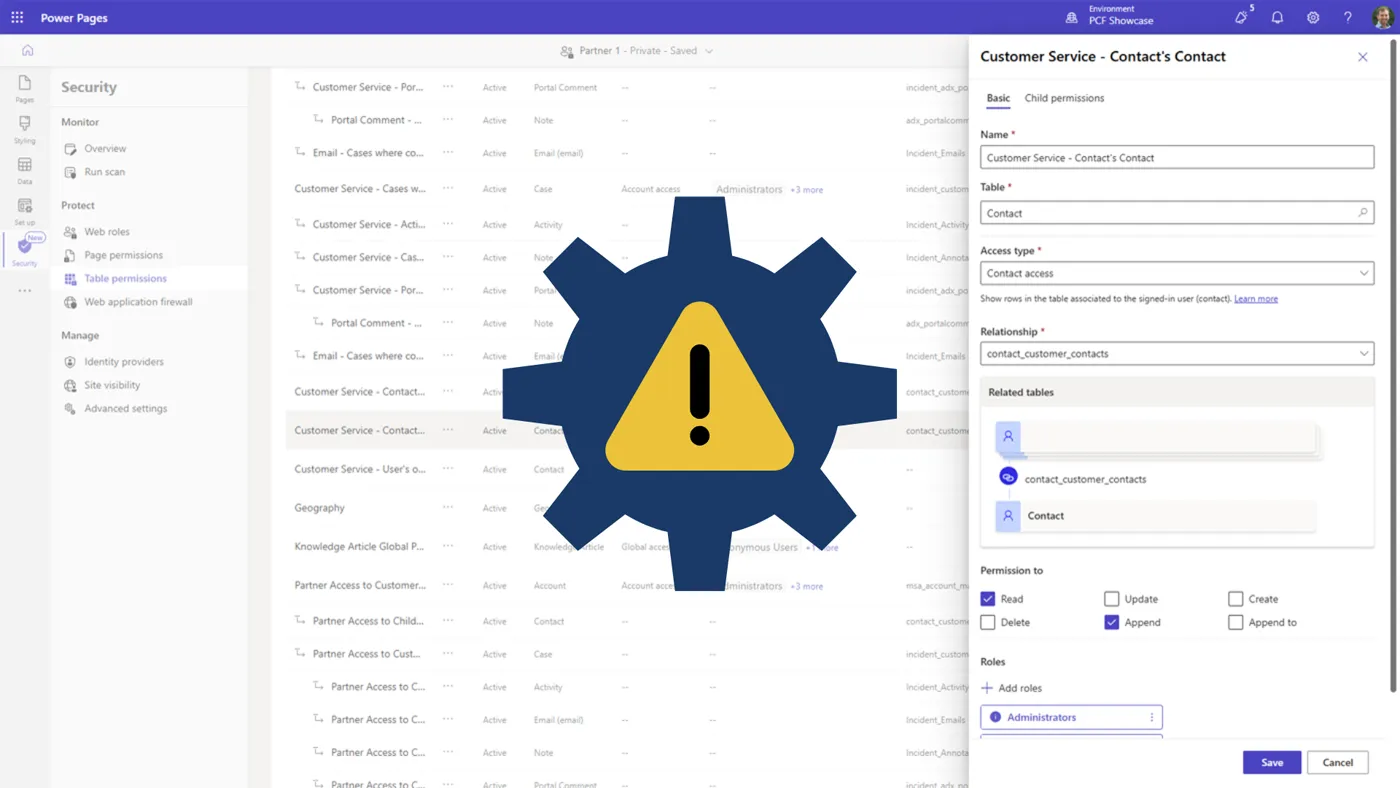
Configuration mistakes in Microsoft Power Pages can expose tables of sensitive data. This is how it can happen.
It’s not a flaw in the Power Pages product, but the result of a critical – though easily overlooked – error in how portals are set up.
Recent research highlighted this issue, revealing that a service provider for the NHS had inadvertently leaked the records of over 1.1 million NHS staff. ¹
Here at ServerSys, we’ve also seen this problem up close, recently helping one of our clients avoid a similar risk that could have exposed their customers’ financial details.
This article explains how misunderstandings in Power Pages settings could accidentally compromise data security and what you can do to protect your organisation.
Understanding the Vulnerability
This security risk arises from a two-part configuration failure that bypasses the platform’s layered security model. When these mistakes occur in tandem, the external-facing portal risks exposing data to hackers for exfiltration.
Think of your data as being stored in a secure warehouse. Power Pages provides the locks, the security guards, and the access card system. A configuration error is like giving a master key to every visitor and leaving the front door unlocked.
Mistake 1: The Overly Permissive Wildcard (*)
Connecting a database table to the Power Pages Web API involves specifying which data columns are accessible. For convenience, administrators or developers might use a wildcard (*) to enable accessibility for all table columns. This is the equivalent of the master key.
While it seems efficient, this wildcard setting exposes all data in that table, which may include any Personally Identifiable Information (PII). Depending on the specific table, these columns could include home addresses, phone numbers, email addresses, and even bank details.
Mistake 2: Unrestricted Access for Anonymous Users
The second mistake involves granting excessive user access permissions.
Power Pages uses security roles to control who can see what, similar to Dynamics 365 user security roles.
The “Global Access” permission level grants unrestricted access to all records in a table and is intended for internal administrators.
The critical error occurs when the “Global Access” permission is assigned to web roles for anonymous or newly self-registered users. Because Power Pages enables open registration by default, anyone can create an account. When Global Access permissions are granted, these unknown users are treated as trusted internal users, giving them unfettered access to an entire dataset.
The Cost of an Unchecked Box
Power Pages templates enable websites to be quickly created, but rapid deployment without careful configuration can come at a severe cost.
When wildcard and global access misconfigurations are combined, this can easily be exploited. Bad actors can programmatically extract database records through readily available Power Pages Web APIs, gaining access to sensitive information.
The fallout from such a breach is significant. First, the loss of customer trust, resulting in lasting reputational damage that can take years to repair. Second, the risk of substantial regulatory fines for failing to protect PII.
Three Questions to Ask Your Technical Team
You don’t need to be a technical expert to identify this risk. Protecting your organisation starts with asking these questions:
- Are we using the wildcard (*) for Power Pages Web API access on any of our tables?
Access should be granted only to specifically named columns that are essential for your portal’s function. - Which roles have “Global Access” to our data tables published in Power Pages?
Specifically, check that the “Anonymous Users” and default “Authenticated Users” roles don’t have this level of permission on any table containing sensitive data. - Is user registration open to all?
If it is, your security posture should assume that any self-registered user is an external party and grant minimal, highly restricted access, in accordance with the principle of least privilege.
From Rapid Deployment to Robust Security
The appeal of Power Pages lies in its simplicity, but beneath its drag-and-drop interface lies a complex technical layer where critical risks can arise from a flawed configuration.
An administrator might inadvertently expose all columns in a table by misusing a wildcard, and global access controls could be mistakenly granted to an anonymous user.
The fundamental misunderstandings of what these settings enable create hidden vulnerabilities that increase the risk of data leaks.
Ensuring your portal is fortified, not just functional, requires specialist knowledge to ensure your digital front door is secure. To verify the security of your Power Pages website, contact ServerSys for an assessment.
Reference
¹ AppOmni, “Microsoft Power Pages: Data Exposure Reviewed