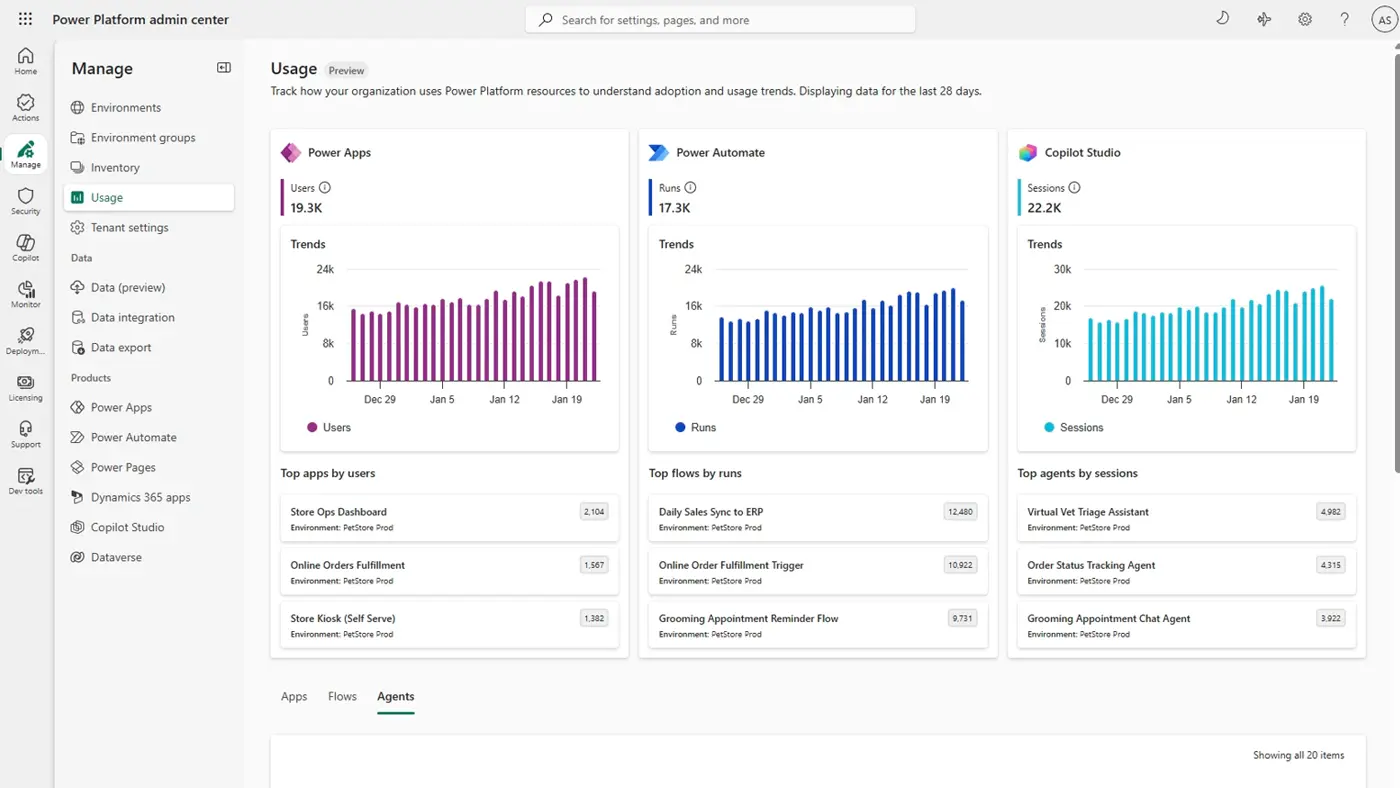
The daily dashboard check is a familiar ritual for many Power Platform and Dynamics 365 administrators.
You scan the metrics, check for failures, and hunt for performance issues, looking to spot a potential problem before the support tickets start rolling in. But what if the system could tell you where to focus your attention?
A new alerts feature, currently in preview in the Power Platform Admin Centre, provides a more direct way to monitor. Instead of relying on manual checks, you can define your own thresholds and receive notifications when a key metric – like Power Automate flow failure rates or app load times – crosses a line.
This moves administration from routine manual checks to a more efficient, exception-based model. When you can trust the system to flag deviations that require your attention.
Two Tiers of Monitoring
This preview feature provides two ways to monitor your environment. It’s worth noting that alerts require Power Platform managed environments, so you’ll need to have that governance capability enabled to use them.
Predefined Alerts
Out of the box, Microsoft provides a set of preset, tenant-wide alerts. These are designed to highlight high-use resources that are underperforming.
For example, a predefined email alert will flag a high-use app launches (100+) with availability under 90%, or a critical cloud flow (150+ daily runs) with a success rate below 90%. They require no setup and serve as a useful, basic safety net.
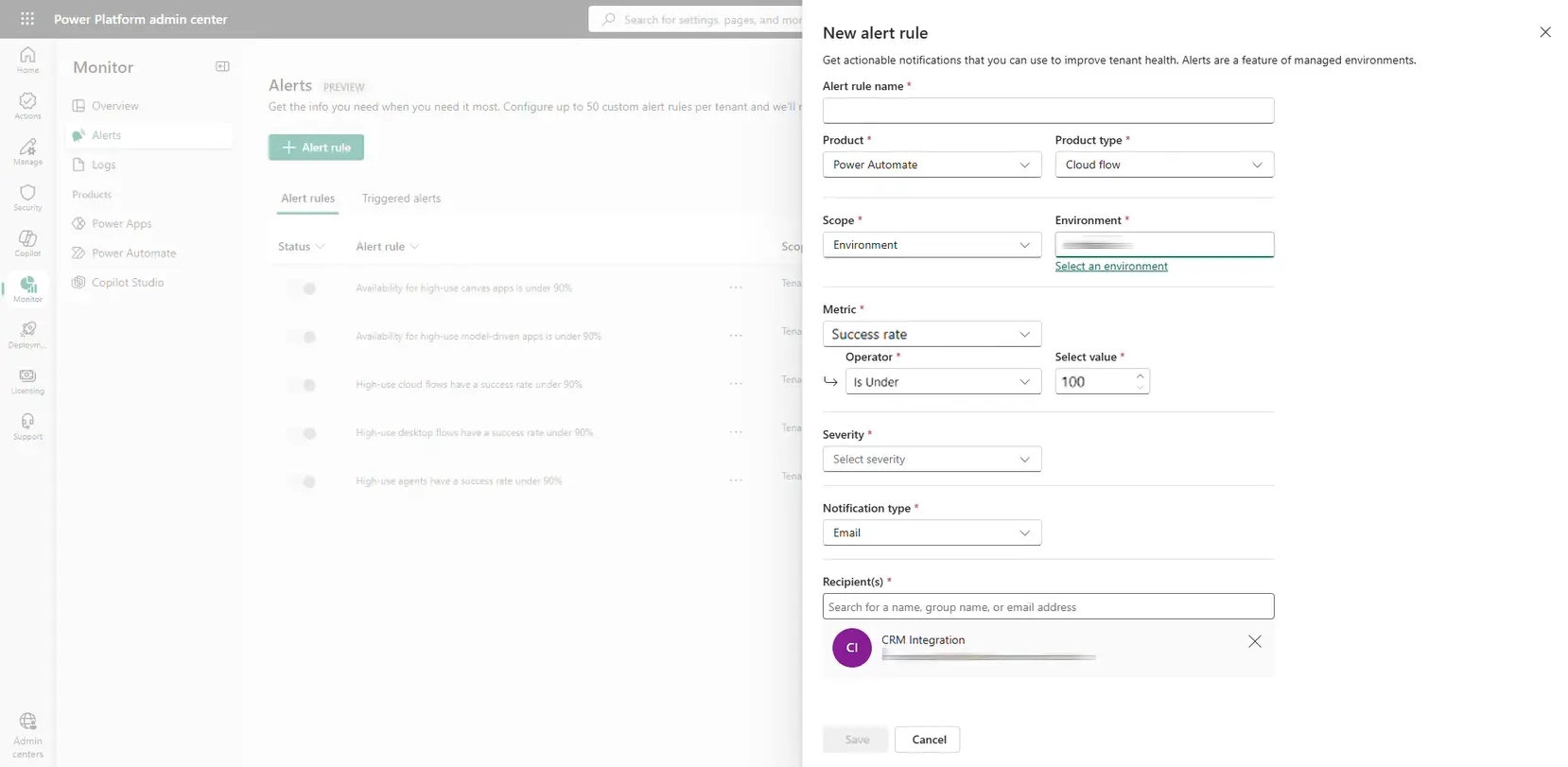
Custom Alert Rules
Greater control is available through custom alert rules. Here, you can get specific by targeting a particular environment, a single app, or a critical flow and defining the exact conditions that warrant your attention.
You decide the metric, the threshold, and the severity (Low, Medium, or High), which helps you prioritise which triggered alerts need immediate attention.
Key Scenarios for Dynamics 365 Admins
Critical flow reliability: With Power Automate flows handling critical business processes, email alerts can notify you immediately if a high-priority flow has a success rate below 99%.
Governance for agentic workloads: As the use of agents in Copilot Studio grows, so does the need for governance. Alerts provide a new tactic for administrators to monitor the usage and health of these components. You can track trends and be alerted when specific conditions are met, ensuring new deployments don’t introduce instability.
Monitor for unexpected usage: Alerts can help you spot resource usage that is higher than expected. For example, you can create an email alert to notify you if an app in your production environment suddenly exceeds 50 launches per day, which could indicate unexpected adoption or misuse that needs investigation.
Focus on the Signals That Matter
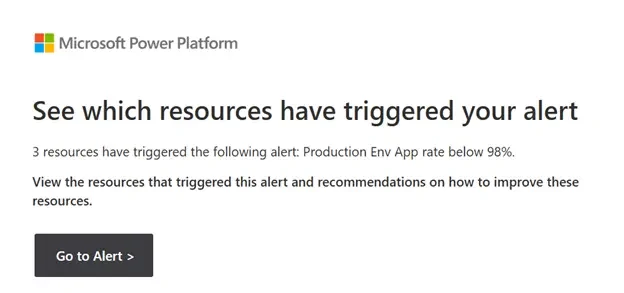
These alerts can help you focus on actionable signals. Instead of spending time searching for platform issues, you can apply your expertise to investigate the exceptions the system has already identified. Your alerts are evaluated every 24 hours based on aggregated data, with an immediate check when you first create a rule.
As this capability is still in preview, its functionality will evolve. If you haven’t explored it yet, check the Monitor page in your Power Platform Admin Centre to see if the alerts feature is available in your tenant.