
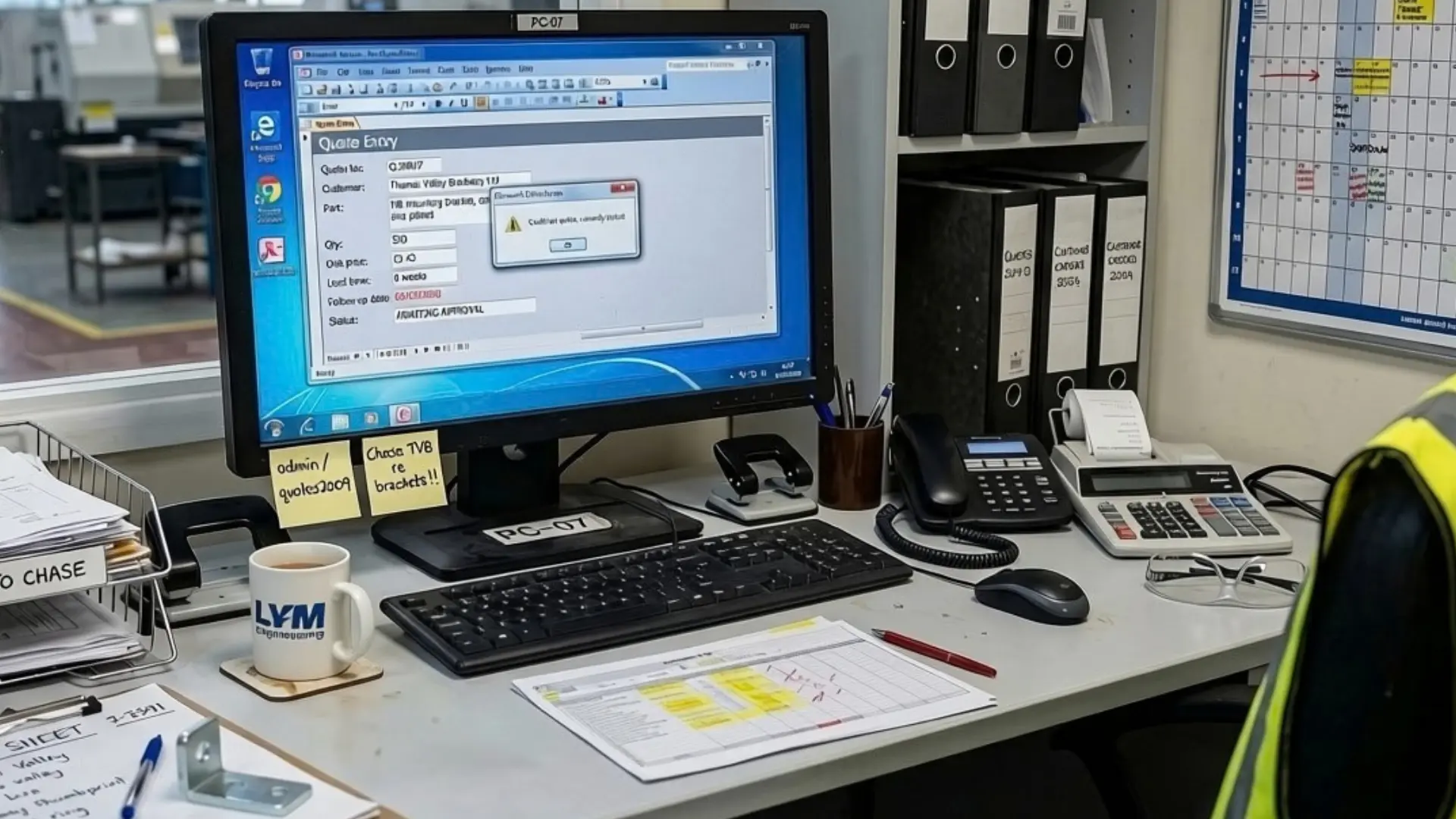
If your business still depends on a decades-old Access database, a new system may not be the only way forward. A full review shows how to make it safer, easier to support and more useful, and gets even long-delayed improvements moving.
AI-assisted analysis helps engineers quickly read the database and see how each part connects. With that knowledge, you can see progress with new reports, secure remote access and any other outstanding requests.
Why your Access database changes are still pending
As older Access systems fall further behind current Microsoft versions, fewer developers are willing or able to support them. Those who built these databases may have retired or moved on, so a shallow pool of contractors needs time to understand them before resolving issues or making changes.
That’s why many organisations rely on just one or two specialists who know the ins and outs of how their system works. Yet when they’re in high demand, support becomes slower, more expensive and harder to plan.
With reactive support, improvements rarely reach the top of the list. Faults and change requests often start with someone figuring working out how that part of the database behaves, because nothing is documented. That delays small changes, leaves good ideas waiting and adds to technical debt.
What an Access database review makes possible
An AI review maps a database from end to end, including screens, queries and even code that hasn’t been inspected for years. In the past, that meant paying a developer to painstakingly work through the system, taking weeks. Our tooling shrinks that to 1-2 days and gives a clearer picture of a database and its risks.
You get a plain-English guide to how your system behaves across routine operations. It shows which reports and screens rely on each figure and record, so you can anticipate what a change might affect.
The review also exposes any risks that no one spotted. Our recent tests have revealed passwords stored where anyone with a copy of the file could read them and personal data that was exportable into spreadsheets. With those in view, you can prioritise what to fix first.
How shelved improvements become affordable
Once the database is mapped and the weak points are fixed, improvement requests are quicker to scope and cheaper to deliver.
Shifting data into SQL Server is one option the review may point to. People can keep the Access screens they know, but the database gains room for more simultaneous users, remote access and automated backups that don’t interrupt the working day.
Power BI can then report straight from the data behind the Access system, helping month-end figures reach board packs without someone rebuilding the same spreadsheet each time.
Further changes might include auto-generated quotes and job sheets, quality checks that catch errors as they’re entered, and data connections to other applications.
We agree each improvement upfront and prioritise by the value it brings, as we do across all our support-led legacy system modernisation work.
Considering a better long-term home for your data
A review doesn’t rule out Access replacement. In some cases, it provides clarity, making the decision easier as you see where it’s falling short and what improvements matter most.
If replacement is the right route, Power Apps with Microsoft Dataverse can be a strong option as it works directly with Outlook, Teams, SharePoint and Exchange. Approvals, alerts, documents and email then run through the tools everyone relies on every day.
Everything we do on your Access system carries over. What we document becomes the specification, so any replacement inherits that knowledge.
Where would you start?
Whether you’re running Microsoft Access 2003 or another unsupported version, which change would make the biggest difference first?
It might be whatever slows people down, creates the most manual work or stops the system from supporting how your team works now.
Book a call with one of our senior consultants and talk us through where the pressure is and what you want to achieve. We’ll help you identify the first improvements worth making, whether that means increasing your database security, cutting repetitive admin work or preparing for a future move.