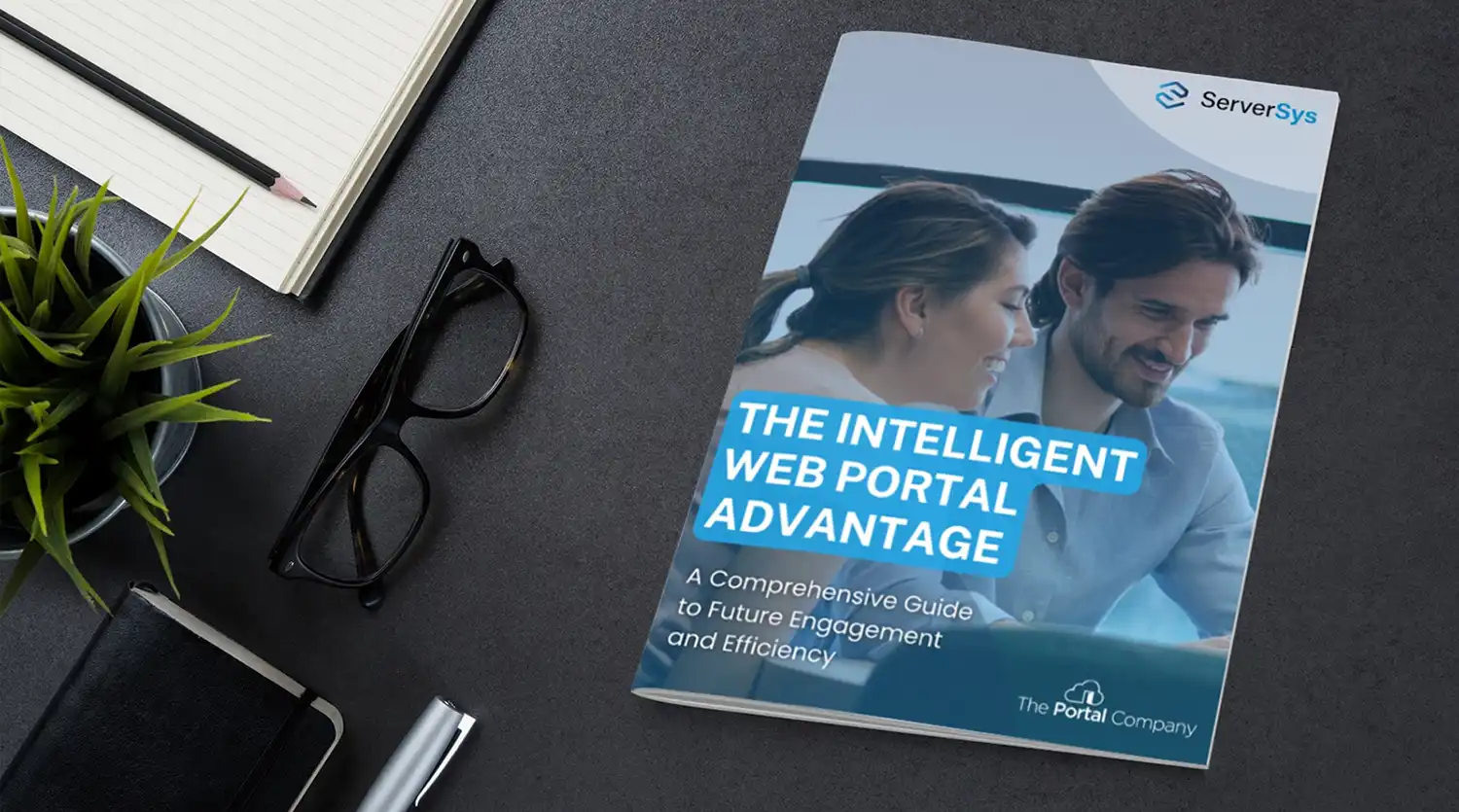
Our guide, The Intelligent Web Portal Advantage, explains how Microsoft web portals built on Dynamics 365, Power Pages, and Azure go beyond basic information access.
It covers integration with CRM and external systems, workflow automation, AI-powered self-service, security architecture, and five common portal types, with case studies from organisations including Cycling UK and Police Now.
Who is the guide for?
This guide is written for operations directors, CEOs, and IT leaders evaluating whether a web portal could reduce manual processing or replace an ageing website.
It is also relevant for project leads and administrators who need to understand integration requirements, security architecture, and deployment options before scoping a portal project. No prior portal experience is assumed.
What the guide covers
The guide covers four areas of portal capability.
First, how portals connect with Dynamics 365 and external systems such as Sage, Companies House, and Creditsafe to create a single view of data.
Second, how workflow automation and AI features, including chat agents and intelligent search, reduce manual handling.
Third, the security model, covering Dynamics 365 security roles, Entra ID authentication, and GDPR compliance.
Fourth, project planning, from scoping through to launch and ongoing support.
Portal types and case studies
The guide includes examples across eight portal types: customer, member, partner, supplier, employee, research, community, and accreditation.
Case studies show how Cycling UK replaced an outdated membership system to increase event participation, how Police Now built a secure recruitment portal handling sensitive applicant data, and how Tellimer delivers gated research to subscribers. Each case study outlines the challenge, the approach, and the result.
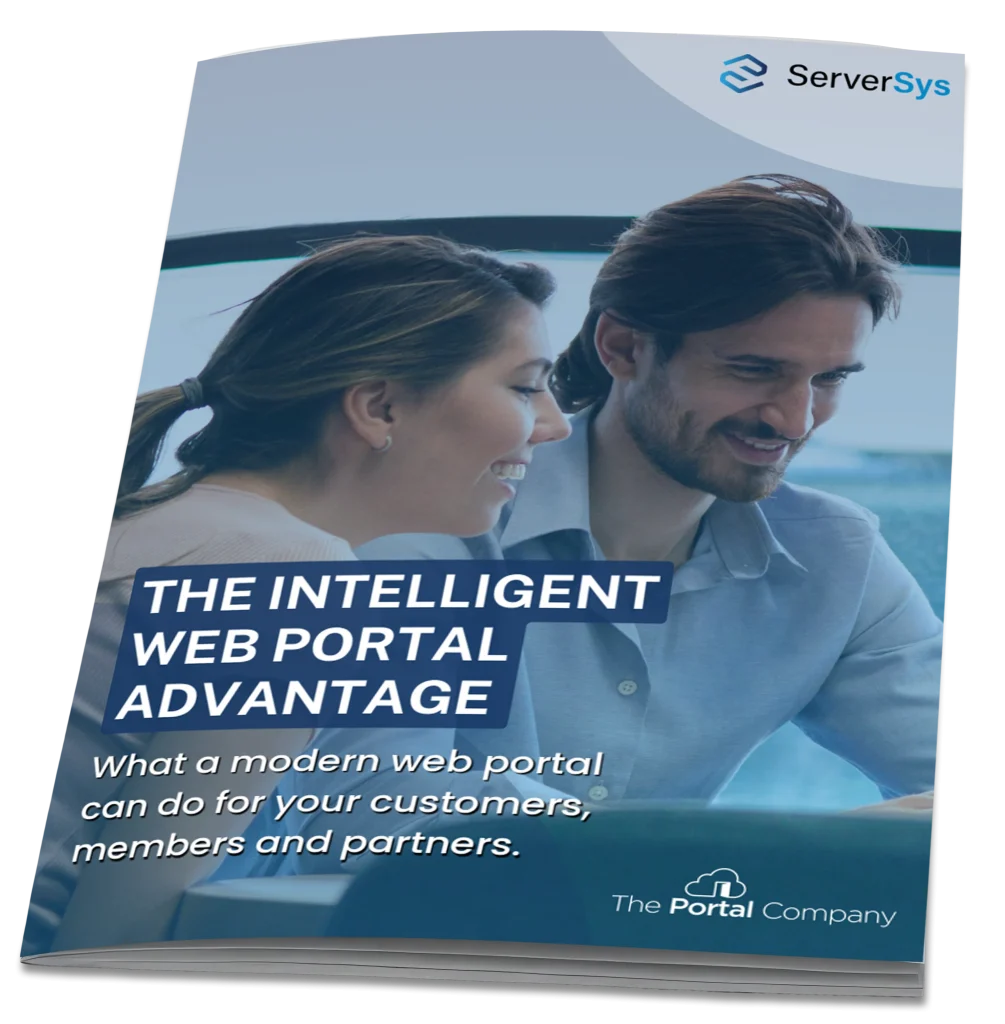
Download the Guide
Download “The Intelligent Web Portal Advantage” for the full framework.
The guide is free, requires no registration, and is available as a PDF.