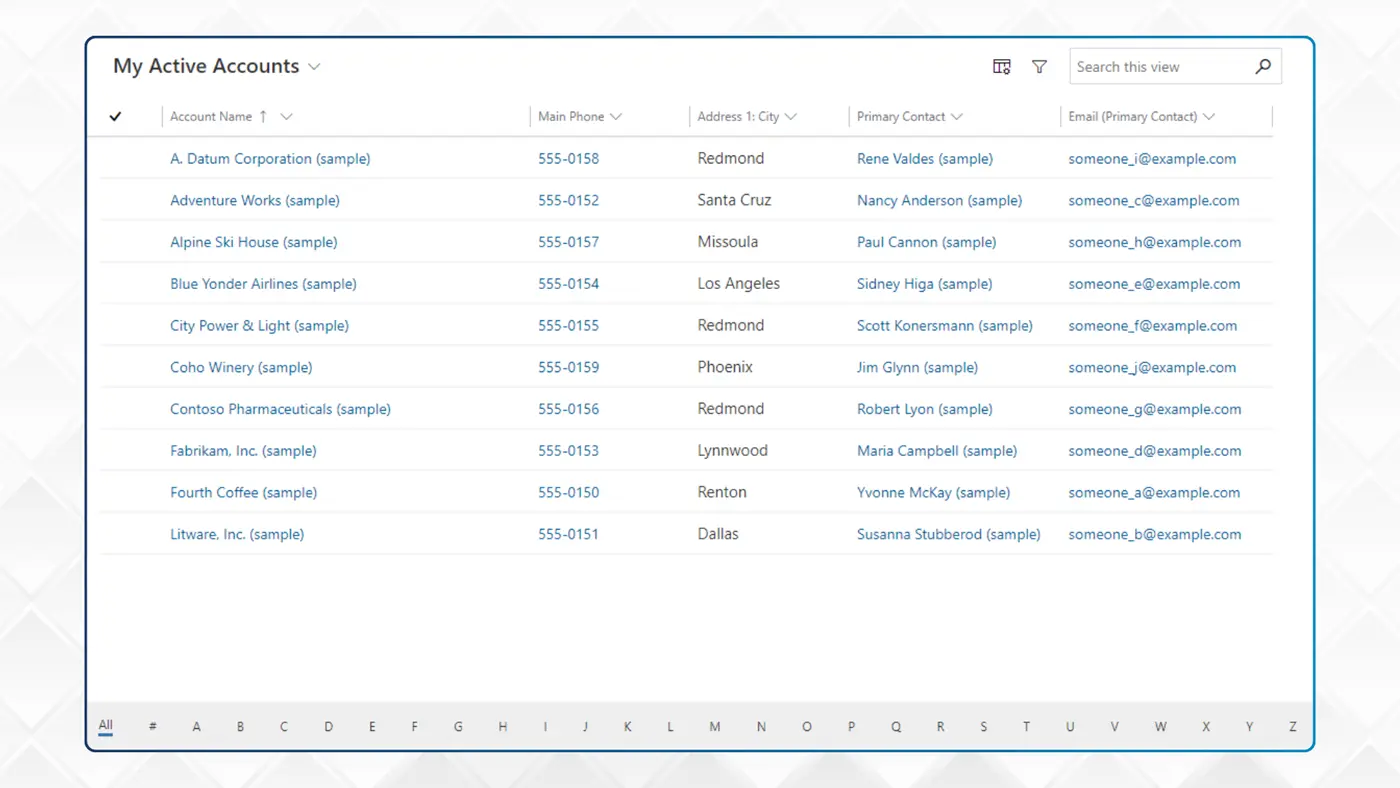
In short: Microsoft has deprecated the Editable Grid and Power Apps Read-Only Grid in Dynamics 365 and model-driven apps as of March 2026 — security fixes only, no new features, eventual removal. The Power Apps grid control replaces both with inline editing, infinite scrolling, nested grids and grouping. Nothing breaks today, but acting now means choosing your own migration timing.
Microsoft has deprecated two grid controls used in many Dynamics 365 and Power Apps model-driven apps: the Editable Grid and the Power Apps Read-Only Grid.
Effective March 2026, both are on a security-fix-only path. They will keep working for now, but no new features will be added, and they will eventually be removed.
If your team has been running Dynamics 365 for several years, one or both of these controls might be wired into views, forms and sub grids somewhere in your environment.
A more capable replacement already exists, and the transition is straightforward when carefully planned.
Why Microsoft is Making This Change
The two deprecated controls sit on older architecture.
Editable Grid pre-dates current accessibility standards and offers limited extensibility.
Microsoft says the Power Apps Read-Only Grid was intended as an interim step and is no longer needed.
The replacement, the Power Apps grid control, brings read-only and editable capabilities into a single modern control. It is built to current accessibility compliance, supports a wider range of configurations, and is where Microsoft is putting its development effort.
What This Means for Your Apps
If your model-driven apps rely on these deprecated controls, there is no immediate change. These will continue to function as normal until further notice.
What you lose is access to anything new. Microsoft will only release critical security fixes to the older controls. Performance improvements and new capabilities will be exclusive to the Power Apps grid control. Over time, the gap between what users see and what is available between these interfaces will widen.
There is also a longer-term consideration. Deprecation is the first step toward retirement. While Microsoft has not given a retirement date, the pattern from previous deprecations is clear. At some point, the legacy functionality will be removed. Acting now means you can choose your timing.
What the Latest Grid Control Provides
Among the capabilities users gain:
- Inline editing within the same control removes the need for a separate editable grid configuration.
- Infinite scrolling, which removes the paging behaviour when navigating long lists.
- Nested grids, where you can show related records inline.
- Grouping and aggregation, helping users understand totals and patterns without exporting to Excel.
- Improved filtering and sorting.
For users, the experience is more responsive and for admins, configuration is more flexible with just one control to maintain rather than two.
Transition Steps
The transition is not technically complex, but requires a structured approach.
Microsoft’s documentation covers the configuration in detail, and the Power Apps grid control guidance is the starting point for anyone doing the work in-house.
At a high level, the work involves identifying each view, sub grid, and form that uses the deprecated controls, adding the latest grid control, configuring properties to match your existing setup, and then testing and publishing the changes.
How We Help
If you would like a structured review of your environment, we can audit where the deprecated controls are in use, identify the scope of work, and help you transition to the Power Apps grid control on a timeline that works for you.
Get in touch if you would like to talk it through.